요청 (CRUD, Create, Read, Update, Delete)
1) GET
2) POST
3) PUT
4) DELETE
* HTML5에서는 GET, POST만 요청 가능! 그럼 나머지는?
2. 경로(path)
2-1. 절대 경로(Absolute Path)
http:// 시작하면 또는
https:// 시작하면
2-2. 상대 경로(Relative Path)
./ : 생략 가능 --> main.html or ./main.html [현재위치]
../ : ../main.html or ../../../main.html [상위:현재보다 1단계 위]
/ : docs/main.html or ../docs/main.html [하위:현재보다 1단계 아래]
html로도 보내기 가능
// route : .get(): 받기, .post(): 보내기, .put(): 보내서 부분 수정, .delete() : 보내서 삭제
// RESTful API : REpresentational (대표성 있는 방식으로 요청 URL을 생성하는 규칙)
app.get('/', function (req, res) {
res.send('<h1>Hello World<\h1>')
})
파일로 보내기
// route : .get(): 받기, .post(): 보내기, .put(): 보내서 부분 수정, .delete() : 보내서 삭제
// RESTful API : REpresentational (대표성 있는 방식으로 요청 URL을 생성하는 규칙)
app.get('/', function (req, res) {
res.sendFile('index.html')
})
Static Page : 정적인 문서
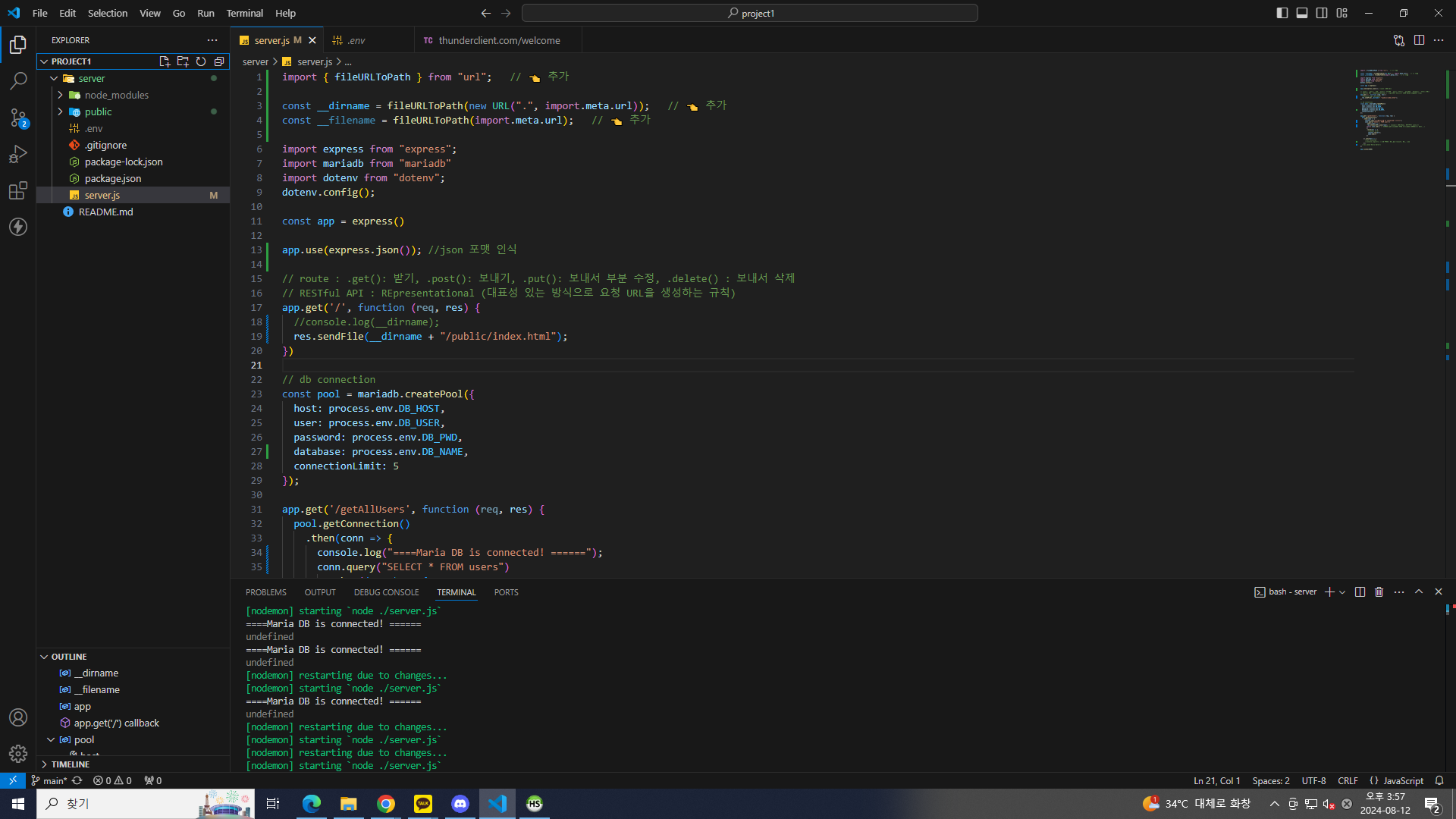
import { fileURLToPath } from "url"; // 👈 추가
const __dirname = fileURLToPath(new URL(".", import.meta.url)); // 👈 추가
const __filename = fileURLToPath(import.meta.url); // 👈 추가
// route : .get(): 받기, .post(): 보내기, .put(): 보내서 부분 수정, .delete() : 보내서 삭제
// RESTful API : REpresentational (대표성 있는 방식으로 요청 URL을 생성하는 규칙)
app.get('/', function (req, res) {
//console.log(__dirname);
res.sendFile(__dirname+"/public/index.html");
})
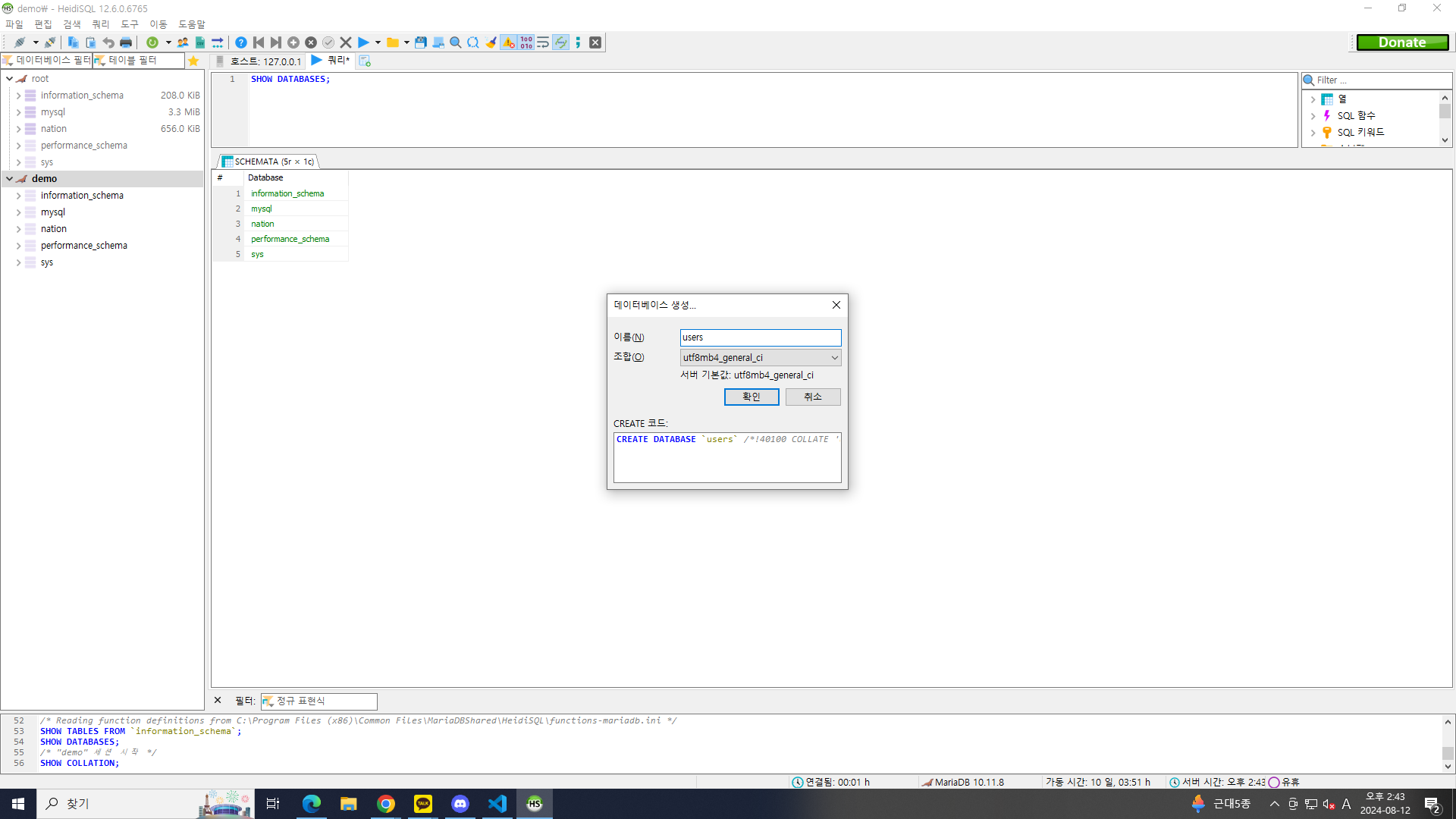
utf8 : 유니코드
mb : mutibyte
HeidiSQL 열기
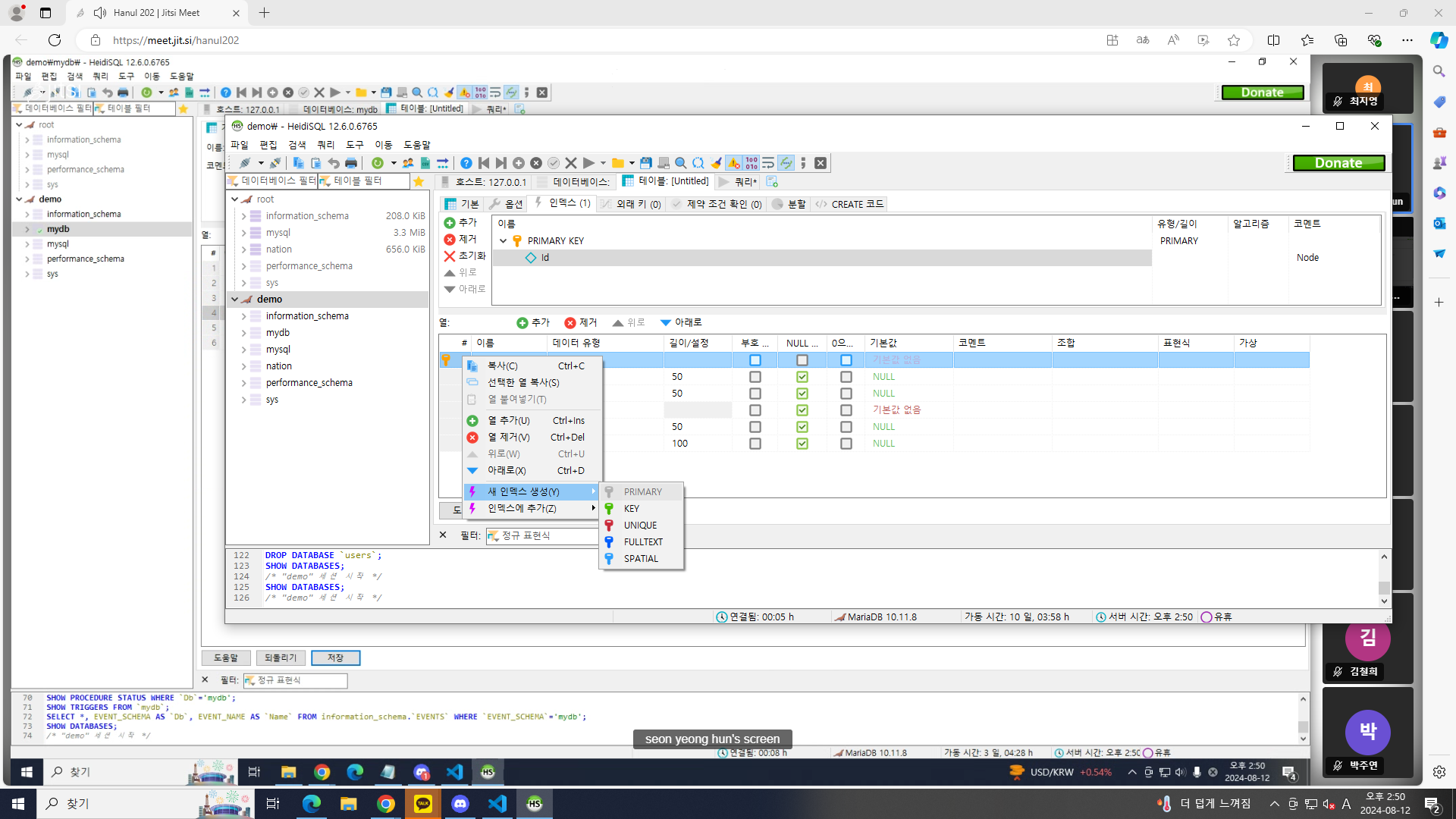
프라이머리 키 생성
Thunder Client
Extension 하기
다운로드 받은 것들
"dependencies": {
"dotenv": "^16.4.5",
"express": "^4.19.2",
"mariadb": "^3.3.1"
},
"devDependencies": {
"nodemon": "^3.1.4"
}
npm install
npm run start
Extentions
live server
충돌
npm install cors
import express from "express";
import mariadb from "mariadb"
import cors from "cors";
import dotenv from "dotenv";
dotenv.config();
const app = express()
app.use(express.json()); //json 포맷 인식
app.use(cors()); // CORS policy
https://velog.io/@rlwjd31/ReferenceError-dirname-is-not-defined-in-ES-module-scope
ReferenceError: __dirname is not defined in ES module scope
ES Module 환경에서 __dirname을 사용하는 방법을 알아보자
velog.io
https://developer.mozilla.org/ko/docs/Web/API/Fetch_API/Using_Fetch